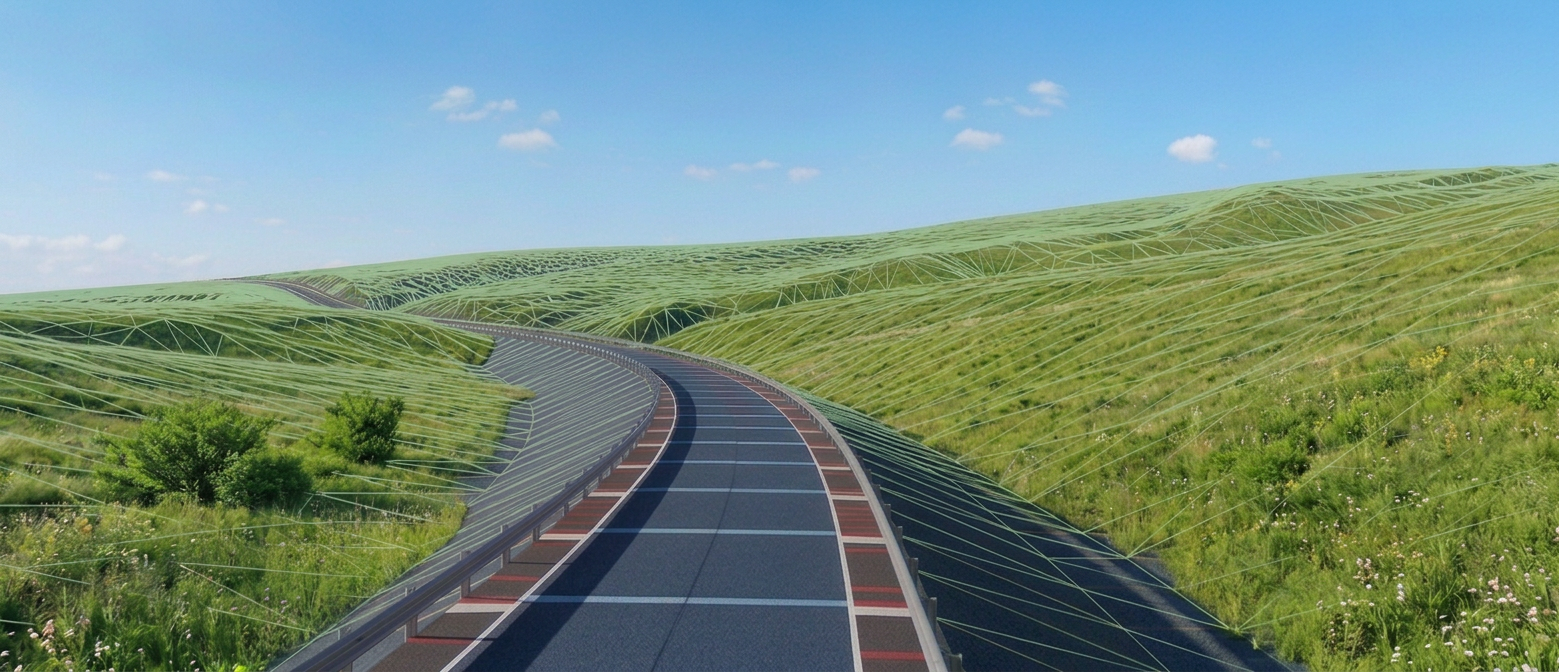
Create complex automated Assemblies using these simple to use Subassemblies together with stock subassemblies directly inside Civil 3D
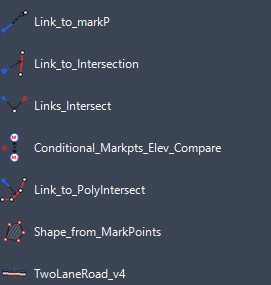
- Link to MarkP – Subassembly Link to Mark point with editable link length and slope in layout view.
- Link to Intersection – Subassembly Link with editable slope in layout view and length that adjusts automatically until it reaches another link defined by two Mark points names.
- Links Intersect – Subassembly composed of two links with editable slopes in layout. Links are drawn until they intersect. Endpoint of second link is defined by existing Mark point name.
- Conditional Mark points elevation compare – Subassembly with layout branch that gets drawn in corridor if condition that Mark point 1 elevation is greater then Mark point 2 elevation is met. Together with Conditional cut or fill and horizontal target met enables great deal of automatization of sections inside corridor.
- Link to Polyline intersect – Subassembly link with editable slope in layout view and length that adjusts automatically until it reaches one of multiple links defined by several Mark points names.
- Shape from Mark points – Subassembly that creates area layout view and shape in corridor cross section. Area is defined by 3 to 15 existing Mark points in order they are entered. Shape between multiple subassemblies whose geometry is defined by existing Mark points is enabled.
- Two Lane road – Two lane road with asphalt layers, base layers with independently super elevating subbase, which is often required during road design.
All subassemblies have editable layout view so during assembly construction, layout can realistically represent cross section created in Corridor. During assembly construction Link slopes have ability to inherit previously defined slopes
All subassemblies rely heavily on mark points. Through mark points creation, subassemblies are able to communicate and adjust between each other. Link subassemblies can be drawn until they reach other links. Areas between multiple subassemblies can be determined and Quantities including multiple subassemblies can be calculated. Conditional branching depending on mark points elevation comparing is enabled. Subassembly links have ability to inherit superelevation
Together with Civil 3d stock subassemblies, these tools enable user to build complex automated cross sections step by step, looking in layout view exactly like they look in corridor. Conditional branching enables branching of design of different details/parts of cross section never leaving Civil 3D environment.
We also offer the manufacture of custom subassemblies and consulting regarding assemblies based on the client’s requirements, description, or drawings.
 Netsa Civil 3D Subassemblies (Under Construction)